Build a Scene.
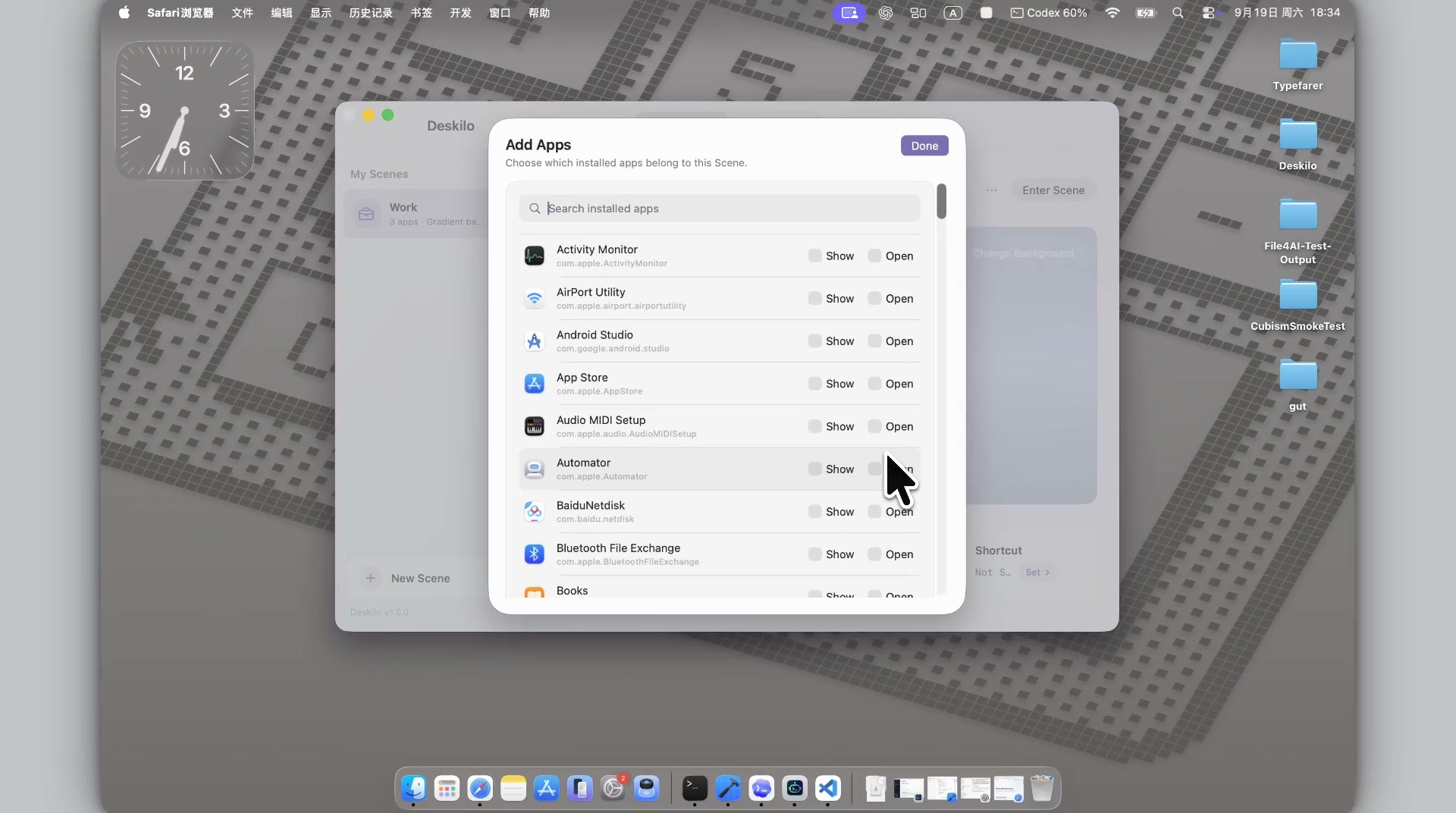
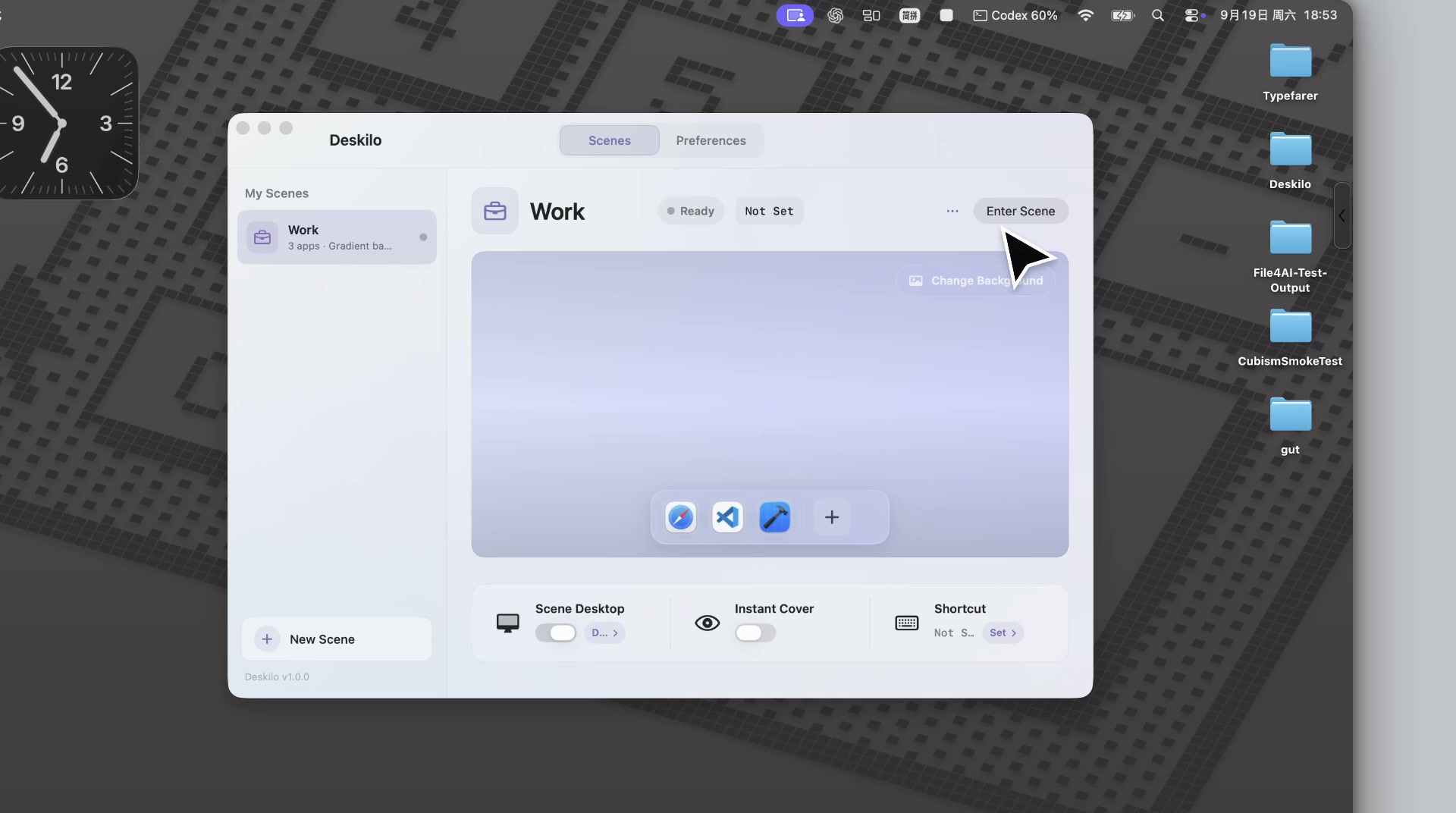
Choose the apps, desktop appearance, and quick controls you want ready.
 Deskilo
Native Scenes for macOS
Build a workspace once. Enter it in one click. Leave it, and Deskilo brings back the desktop state it changed.
Choose the apps, desktop appearance, and quick controls you want ready.
Deskilo brings the Scene forward and keeps the switch intentionally lightweight.
Exit the Scene and Deskilo restores the desktop state it changed.
Build a Scene
Show keeps an app visible. Open launches it if needed. They are separate on purpose.
An app can be Open without being forced to the front.
Scene Desktop
Deskilo can cover desktop items for a Scene without moving or deleting them.
Instant Cover
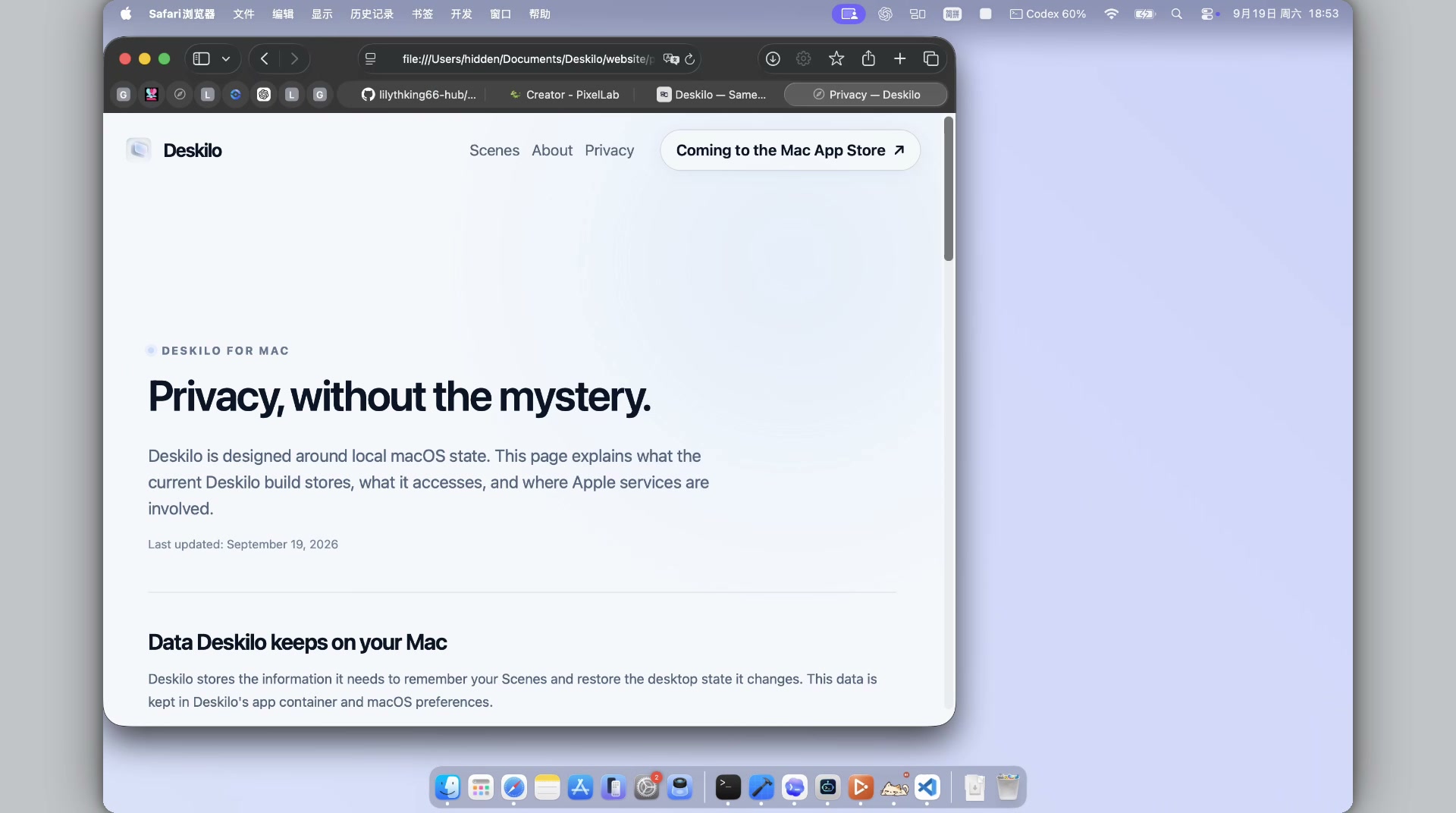
Instant Cover puts a ready-made work surface on screen immediately. Your apps stay underneath, untouched.
Nothing underneath is changed by the Cover itself.
Always nearby
Jump into a Scene, exit globally, or trigger Instant Cover without reopening the editor.
Quiet by design
01Clean Desktop covers files — it doesn't move or delete them.
02Scene exit restores the desktop state Deskilo changed.
03Built as a native macOS app.
Deskilo for Mac
Requires macOS 13 or later.
